
You may wish to download the YuJa Desktop app if you are teaching using your own device to teach in classrooms to record lectures, or preparing personal capture videos. Students may wish to download the software if using YuJa to record their video presentations.
Anyone with a University account, staff and student, can download the software on their own device through YuJa or on a University device through Company portal.
Content on this page:
- Installing YuJa on a personal device (Windows and Mac)
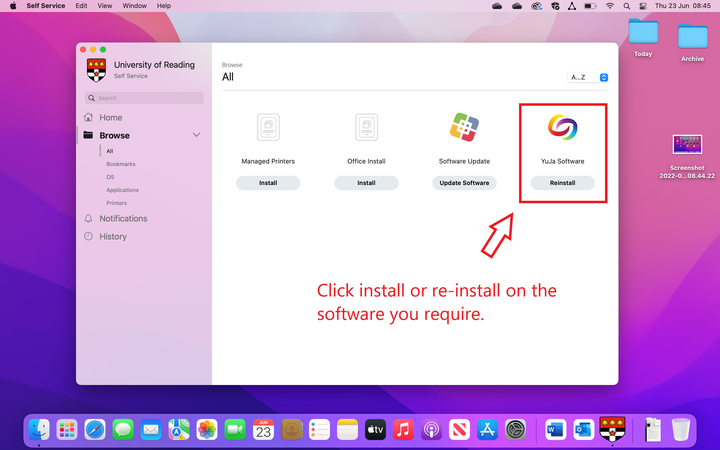
- Installing YuJa on UoR staff computer or laptop (Windows and Mac)
Installing the YuJa desktop app on a personal computer
Install on Personal computer (Windows or iOS)
- Installing YuJa Software Capture on PC
- Installing YuJa Software Capture for iOS (Apple Application)
Install on a University of Reading computer using Company Portal
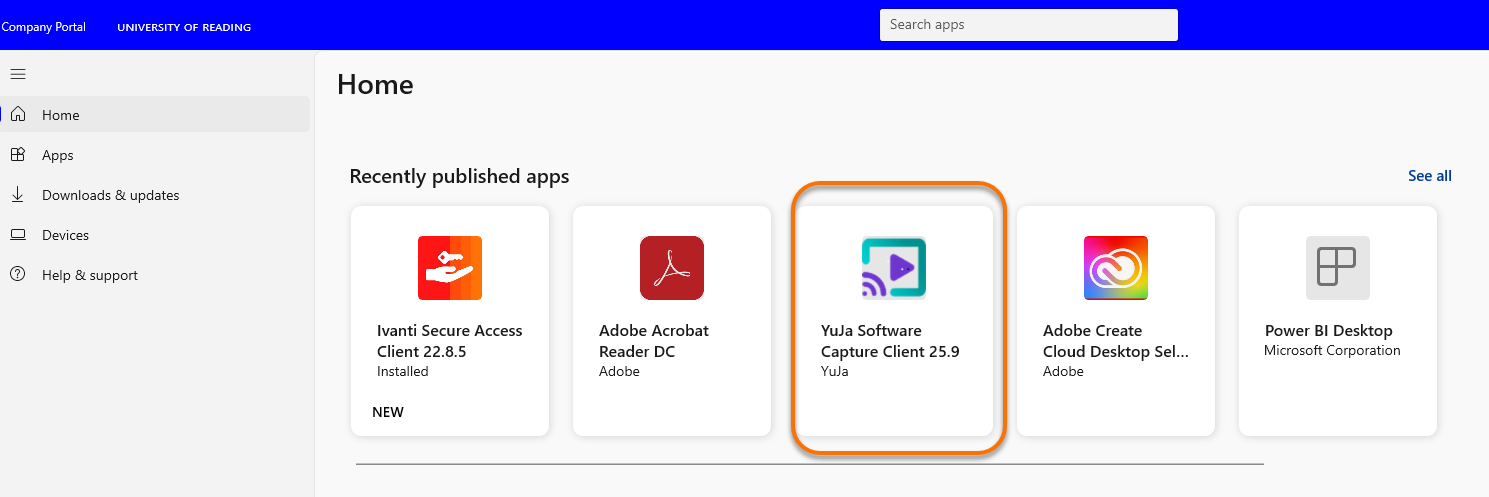
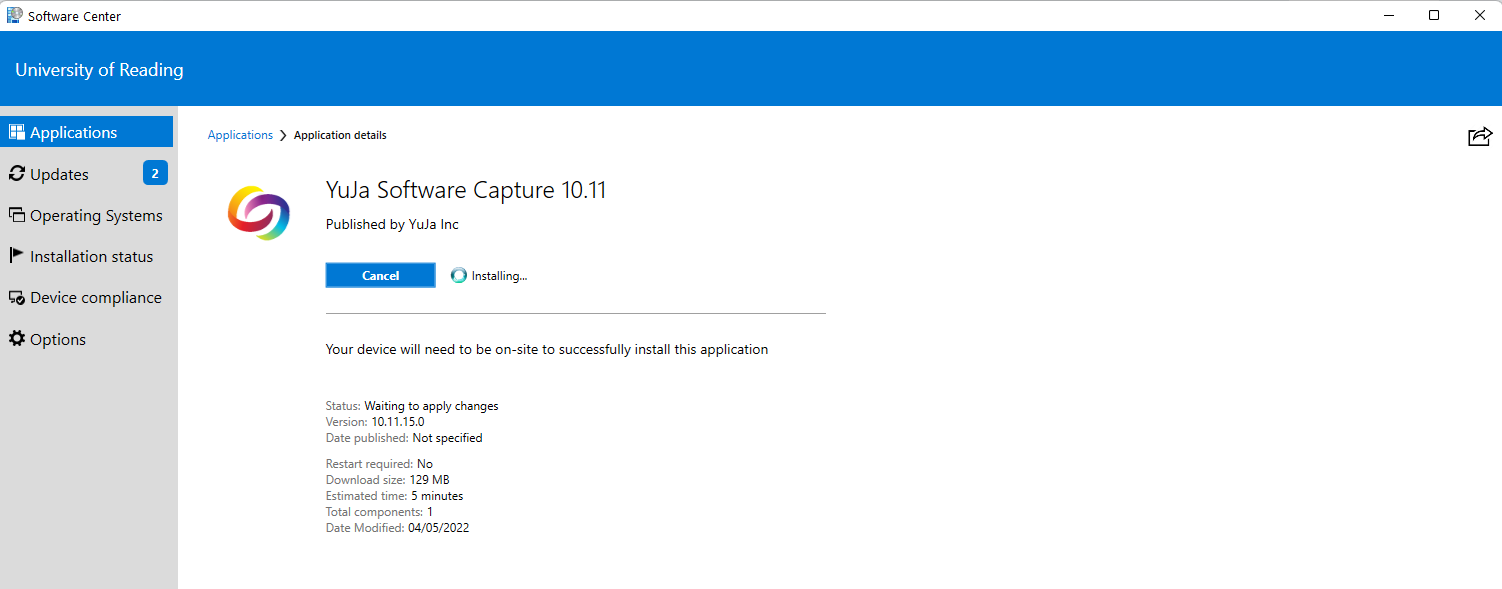
You can install the latest YuJa software via Company Portal: Company Portal is an application installed on University Staff computers and allows you to install YuJa.
Open ‘Company Portal’
Choose ‘YuJa Software Capture’ from the available list of apps, and click install.
Guide last updated on October 7, 2026