
The School Leader role in Blackboard is an administrator role designed for SDTLs, DDTLs, SDATs and other senior School staff, to enable you to quickly and easily access any course in your School or Department.
To access a course
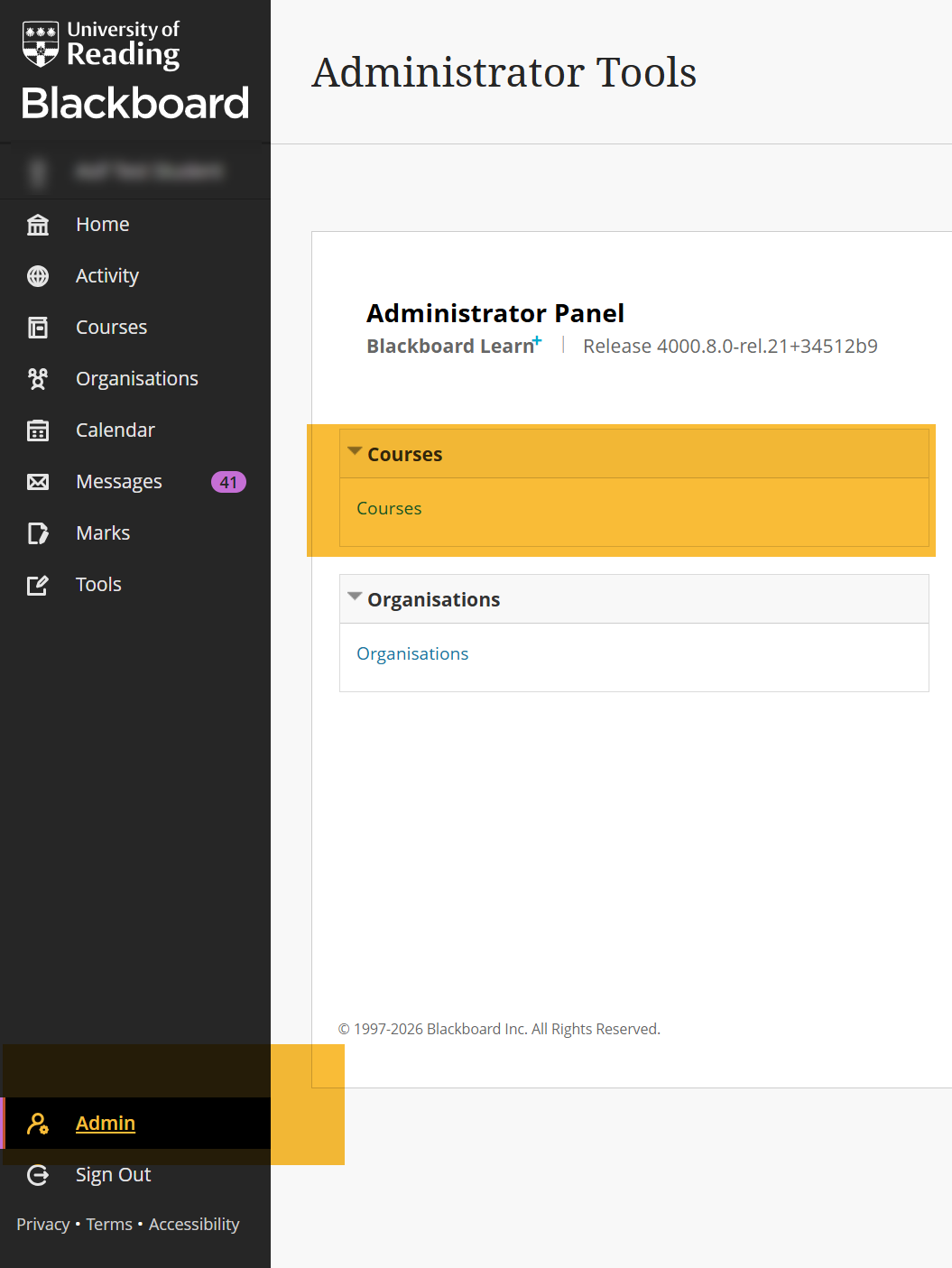
- Open “Administrator Tools” page by clicking the “Admin” tab (visible in the left navigation pane on your Blackboard ultra dashboard)
- Click “Courses”
- Search the course using “Course Name” or “Course ID”
- Open the required course from search results (Note: if you see permissions denied message, please use browser’s back button to go back to previous page).
Enrol yourself on a Blackboard Ultra course or organisation
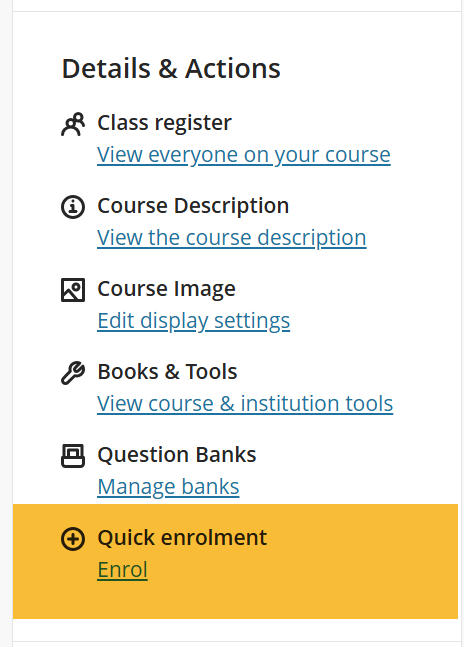
School leaders can review courses without having to enrol, however, if required, “Quick Enrol and Un-enrol” feature can be used to temporarily join a course. The option is available under “Details and Actions” pane in all courses and organisations.
Guide last updated on February 6, 2026