
Important: if marking has already begun, do not attach a new rubric. Otherwise all existing marks and feedback will be lost.
Attach Rubric
When setting up an assignment under ‘Submission settings’ select Attach a Rubric.
You can then choose from any rubric or Grading Form in the list.
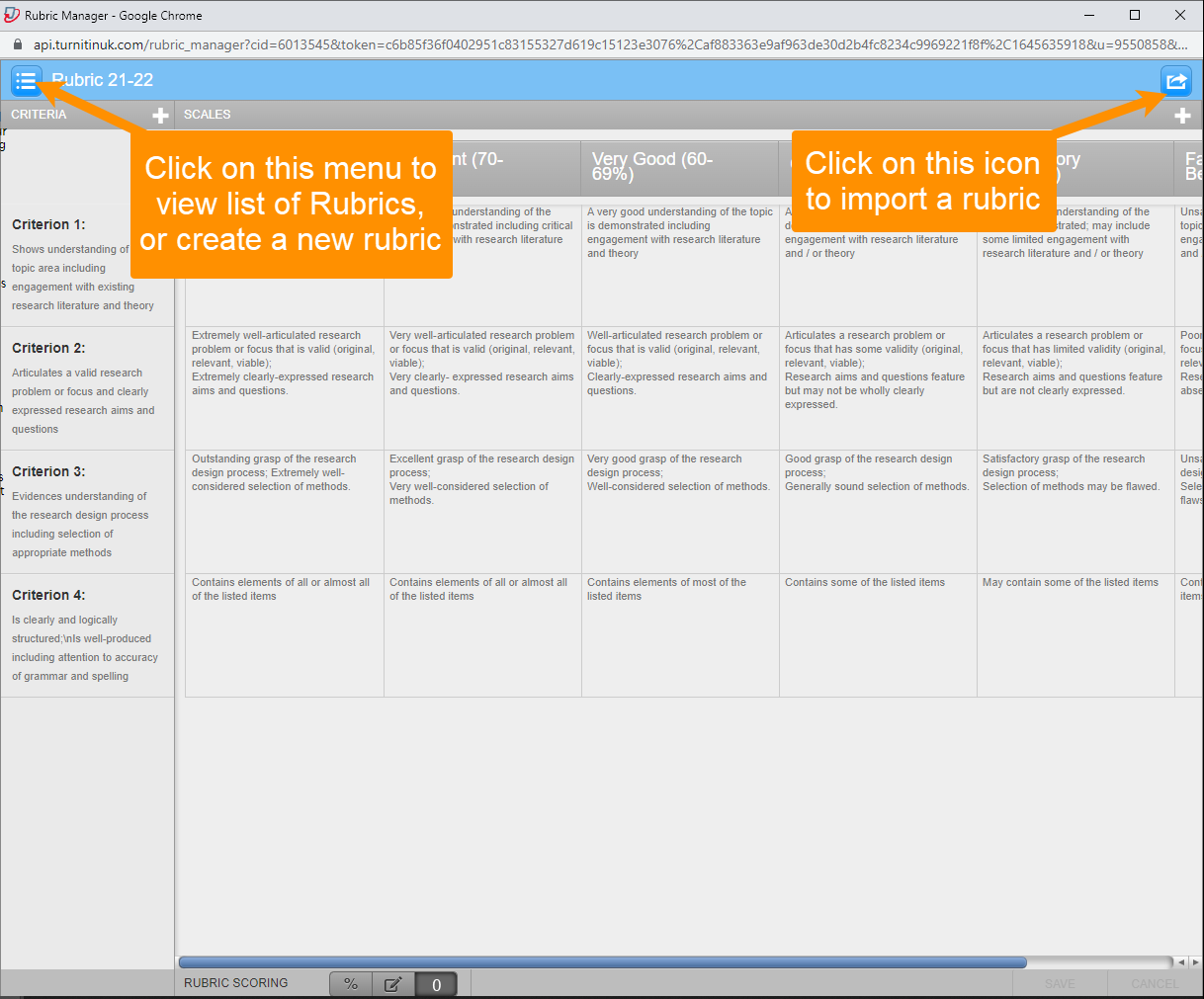
You can also Launch the Rubric Manager.
Here you can
- view a list of all the forms and rubrics to which you have access
- create a new rubric
- import a rubric into your Library.
When you have finished making changes in the Rubric Manager, close that window and select the desired rubric or grading form from the drop-down list.
Guide last updated on July 23, 2026