All staff can download and install Skype for Business, but did you know, you can also use Skype to set up a telephone conference, even if your contacts aren’t on Skype?
Here’s how:

In your Outlook Calendar, select “New Skype Meeting” from the Home tab (if you can’t see this button, this article may help, or contact the IT Helpdesk).
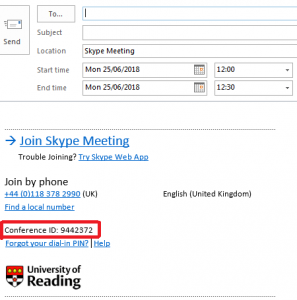
This automatically creates a Conference ID that is unique to your conference call, detailed in the meeting invite:
It’s as simple as that!
For more tips on how to use Skype for Business, check out the University’s handy user guides.